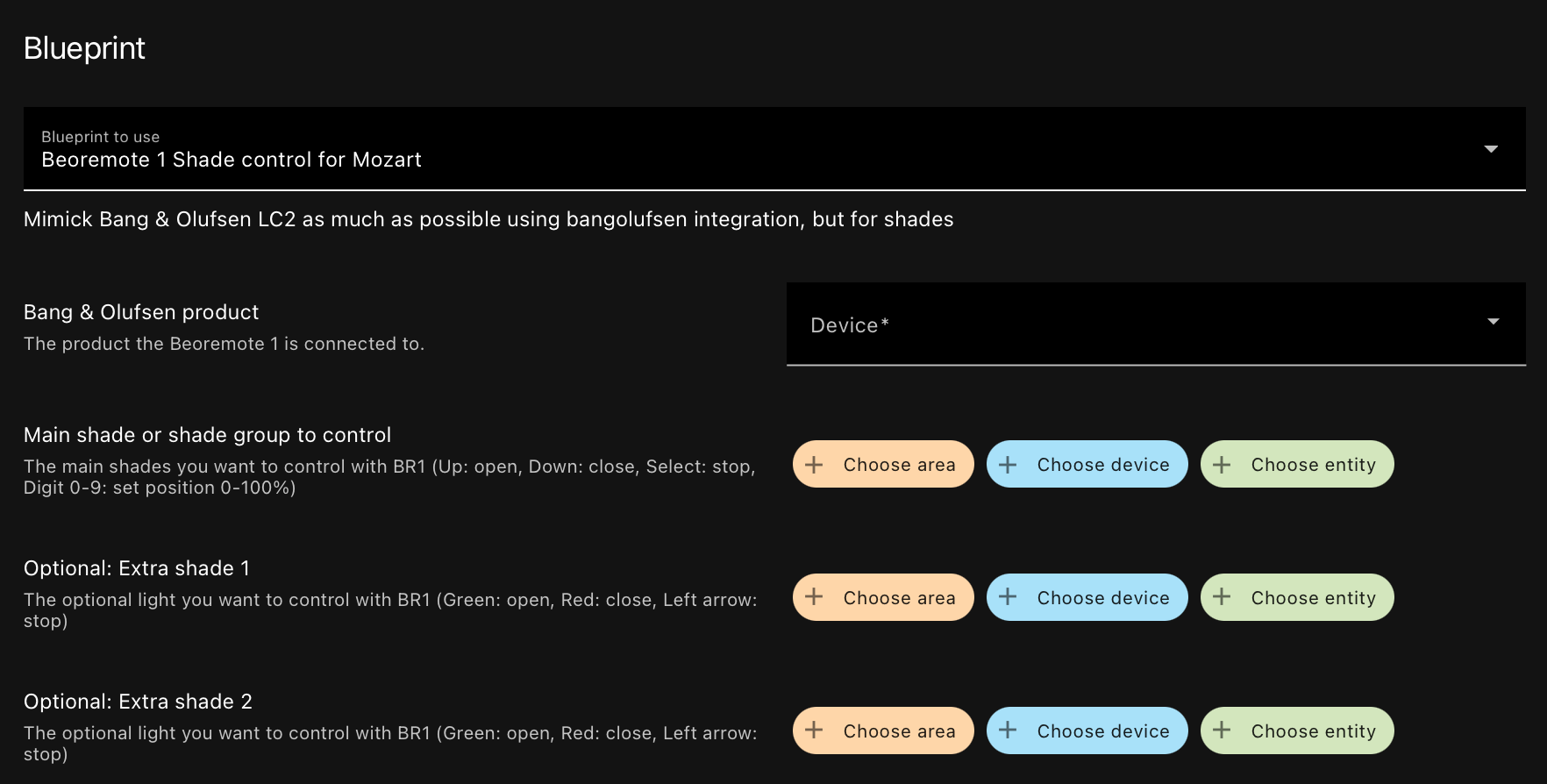
A blueprint to easily set up shade control with Beoremote One and an ASE-based product.
Select your ASE product and the shades or shade group you want to control.
How to use it
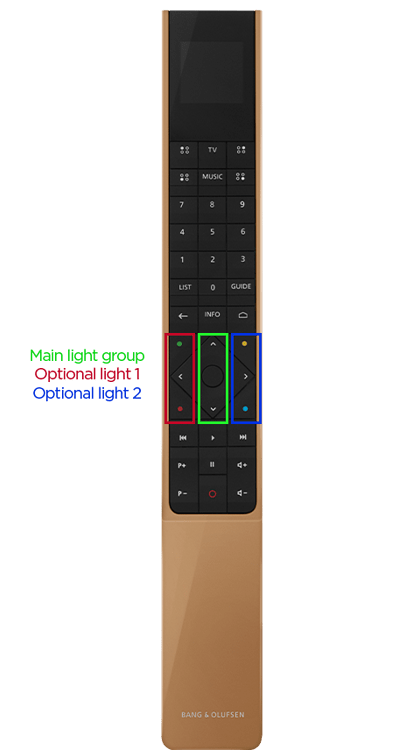
Press List on your Beoremote One, navigate down to Control and press the center button. From here, use the buttons shown on the remote to change the position. For the main group you can also use the digit keys to set the position.
Screenshots